
-
Report on Incidents Resolved by Month
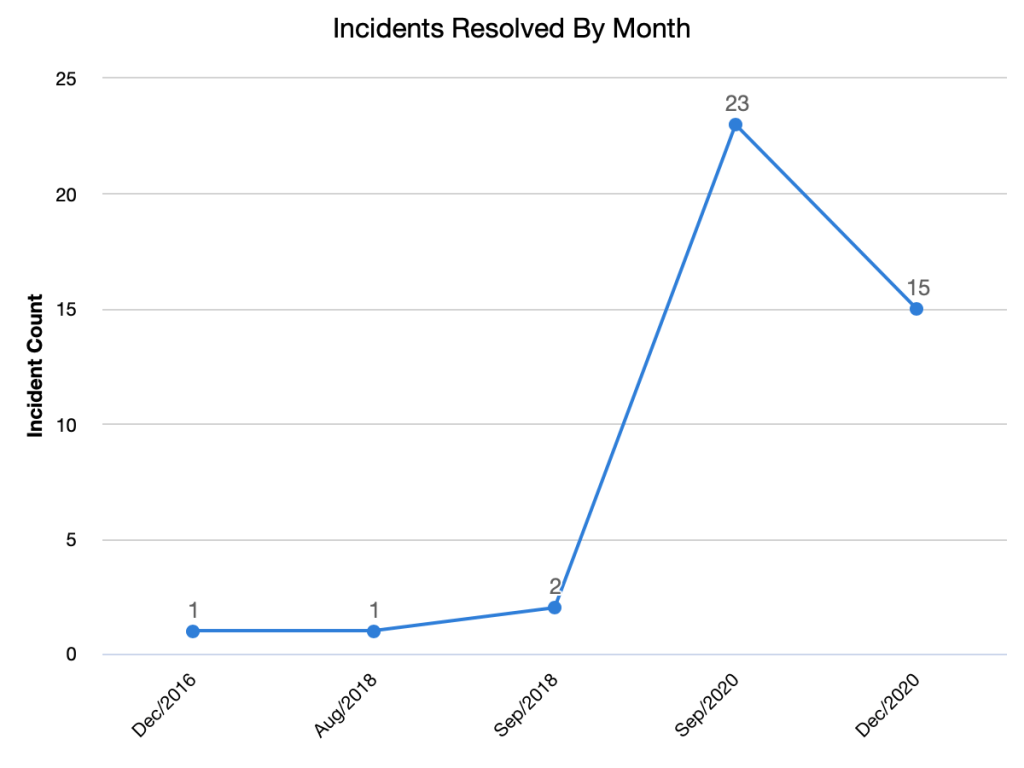
ServiceNow trend report for Incidents Resolved by Month
-
Report on Incidents Opened By Month

ServiceNow Report on Incidents Opened By Month
-
Create your first ServiceNow Dashboard
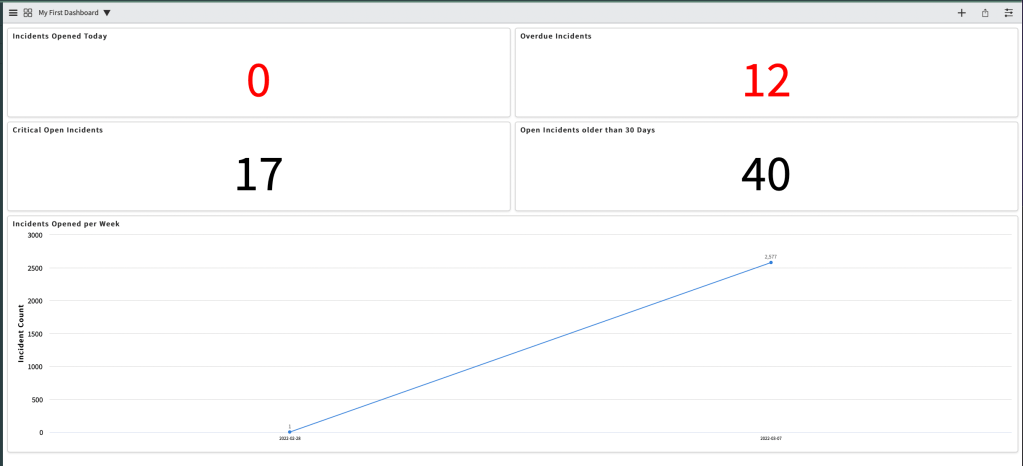
In one of my previous posts, I showed you how to create your first ServiceNow report. Now I will show you how to create your first dashboard. One thing to remember is that a dashboard is a way to display numerous reports and visualization. You need to create the underlying reports first and then you…
-
Exporting your report to Excel

In my previous post, I showed you how to create a report listing the Incidents that were opened this year. In the post, I will show you how to export that report to Excel. In the list view of the report, simply right click on one of the column headers -> Export -> Excel. The…
-
Create your first ServiceNow report
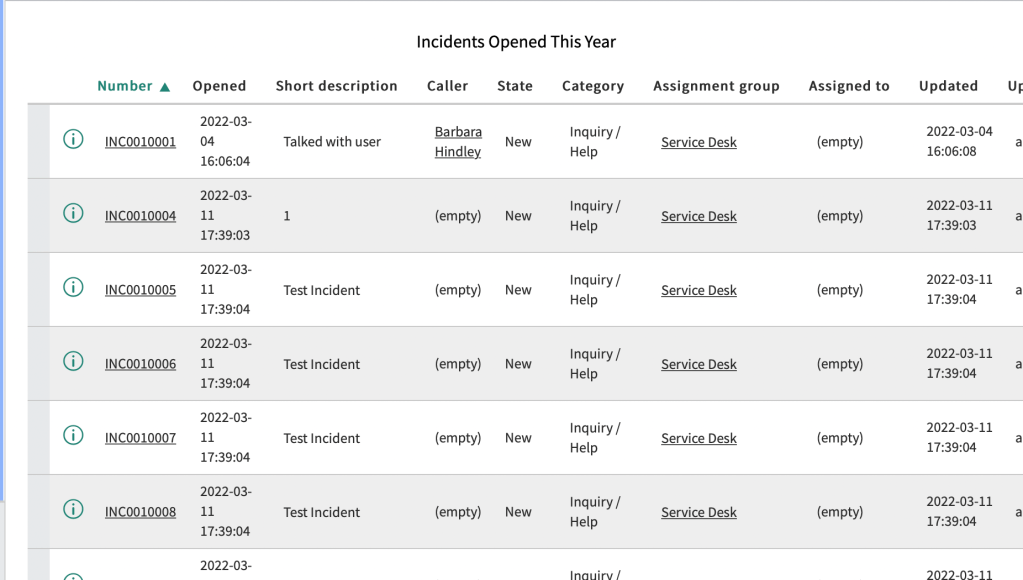
In this post, I will show you how to create your first ServiceNow report. In the filter Navigator, search for reports and click Create New Give your report a name, select “Table” and the Source type, and then select the ServiceNow table in which you want to query. In the example, I will query the…
-
Add to Update Set Utility
I did not create this, but this is a very useful utility that can be downloaded from the ServiceNow share site. Linking it here for easy reference/access.
 mySNstuff.com