
Probably better ways to implement, but this is a cool way to trigger an outbound REST API and display the results in a portal widget/html tabel. In this example, I am pulling NBA news from a news API.
Example:

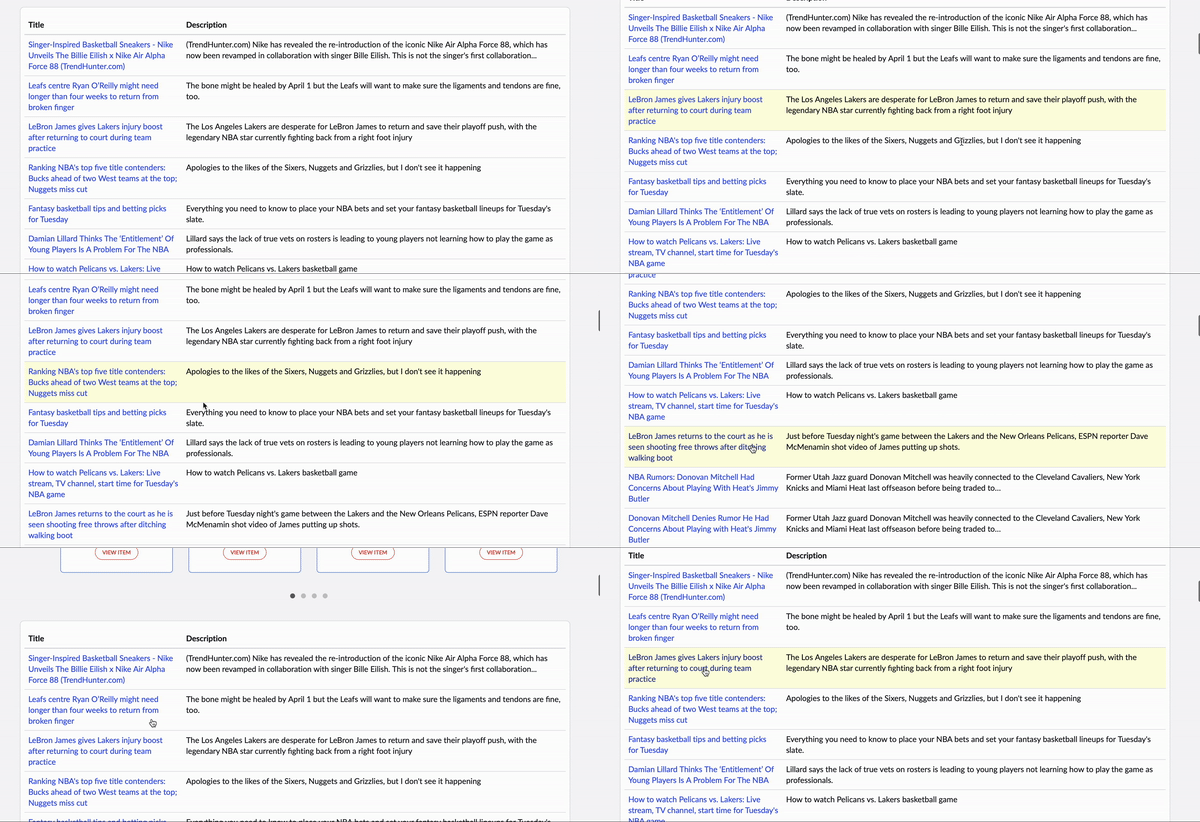
First create the REST message, as this will be needed for the server-side code.
HTML Template
<div>

<div class="tab-content">

  <div id="home" class="tab-pane fade in active">


    <div class="panel b">


  <div class="panel-body">

      <div class="row">

        <table class="table">
             <thead>
              <tr>
                <th>${Title}</th>
                <th>${Description}</th>
              </tr>
            </thead>
             <tbody>
              <tr ng-repeat="task in data.tasks">
                <td><a href={{task.url}} target="_blank">{{task.title}}</a></td>
                <td> {{task.description}}</td>
              </tr>
             </tbody>

        </table>


        </div>
      </div>

</div>


  </div>

</div>

    </div>
CSS (optional)
tr:hover
{ background-color: lightyellow;
}
Server Script
(function() {
  /* populate the 'data' object */
  /* e.g., data.table = $sp.getValue('table'); */


	 var r = new sn_ws.RESTMessageV2('NewsApi', 'Default GET');


    var response = r.execute();
    var responseBody = response.getBody();
    var httpStatus = response.getStatusCode();

    var parsed = JSON.parse(responseBody);
    gs.info(parsed);
    gs.info(parsed.articles.length);

	  data.tasks = [];

    for (var i = 0; i < parsed.articles.length; i++) {
        gs.print(parsed.articles[i].title + "  URL:" + parsed.articles[i].url);
 var temp1 = {};
        temp1.title = parsed.articles[i].title;
        temp1.url = parsed.articles[i].url;
			temp1.description = parsed.articles[i].description;
        data.tasks.push(temp1);
    }


})();
 mySNstuff.com