
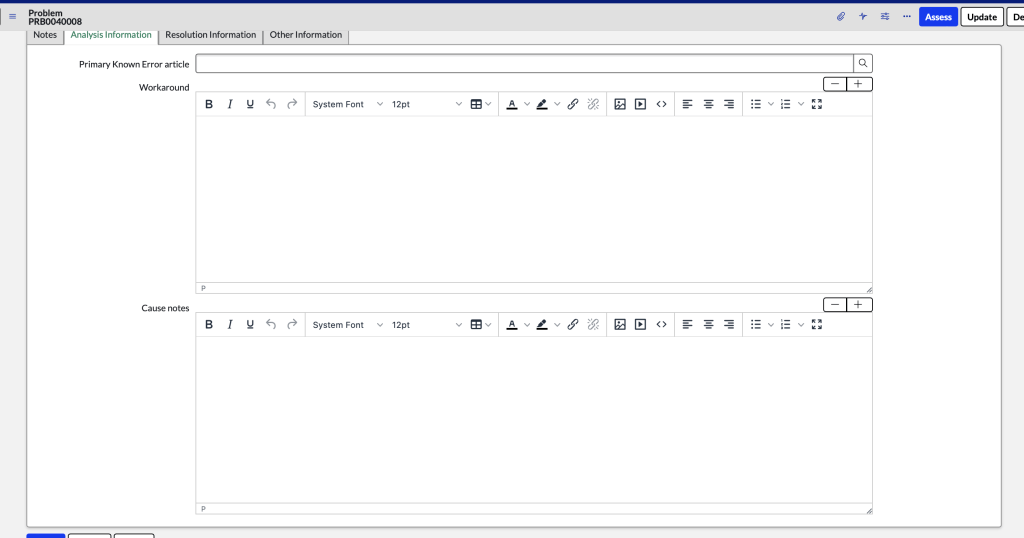
If you notice after upgrading to Tokyo that HMTL fields are small and need to be expanded manually,

Go to User Preferences
Search for any preferences that contains “tinymce_height” and delete all of them.
instanceName.service-now.com/sys_user_preference_list.do?sysparm_query=nameLIKEtinymce_height&sysparm_view=
Clear the cache (in filter navigator, type cache.do)
Afterwards, the HTML fields are back to normal size
 mySNstuff.com