
This might not be as useful anymore now that ServiceNow added Playbooks, but it’s still a neat way to apply a checklist to a task using a script.
For reference, checklist templates are stored in this table [checklist_template]. You’ll need to go here to get the sys_id of the template so you can use it in the first parameter of the script
instanceName.service-now.com/checklist_template_list.do?sysparm_query=&sysparm_view=
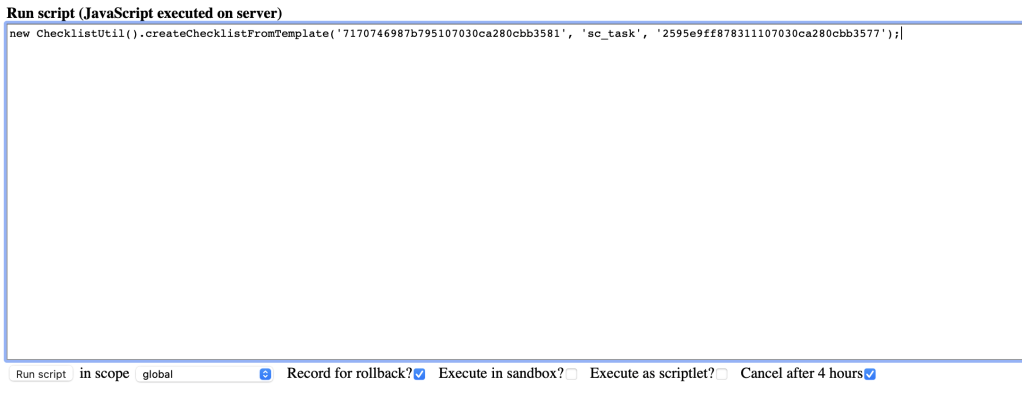
new ChecklistUtil().createChecklistFromTemplate(checklist_sys_id, task_table_name, task_sys_id)
Testing
For this example, I will apply this simple template that I created to a catalog task.

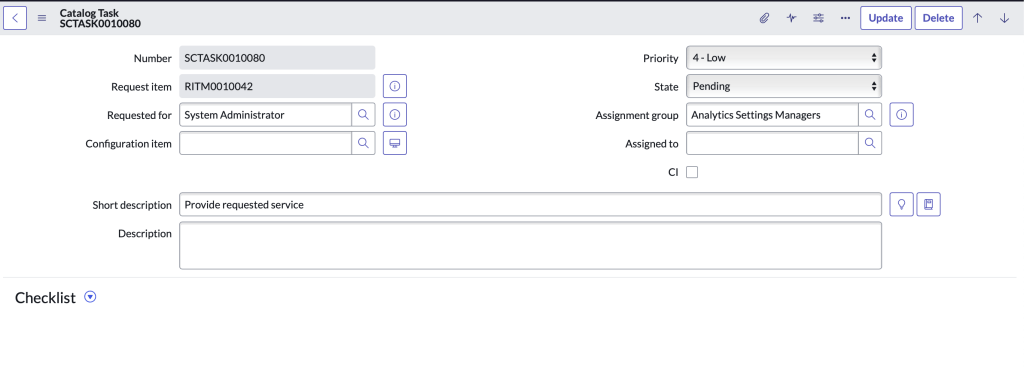
Here’s a look at the task before running script
I’ll now run a background script to simulate a business rule or other methods of applying a script.
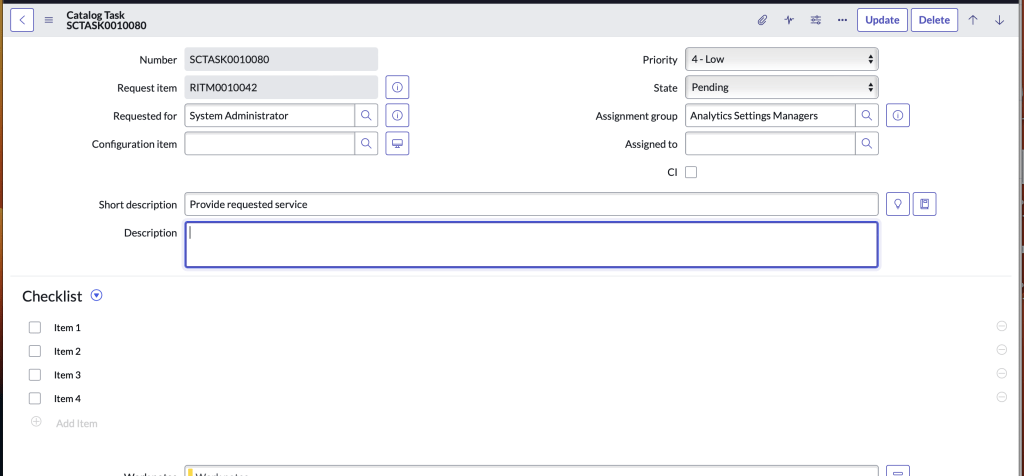
After I ran the script, we see that our template was successfully added
 mySNstuff.com