
Response templates is a feature I just found out about recently. Documenting it here for easy reference in case I decide to use it in the future.
The purpose of it is to create reusable messages that can be used in Agent Chat or just copied and pasted to your clipboard.
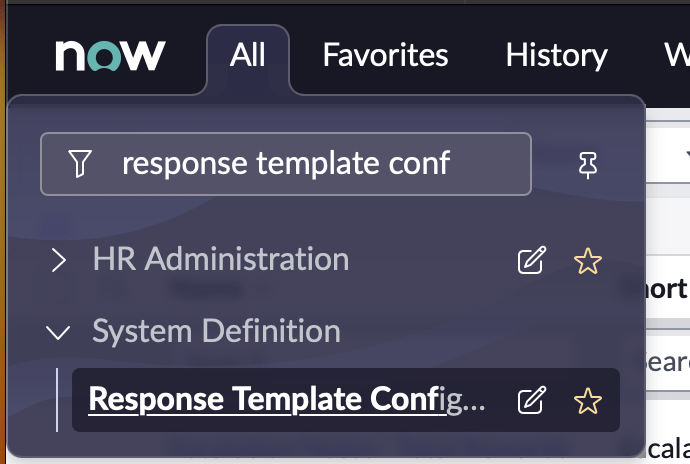
Messages are stored under System Definition -> Response Template Configuration
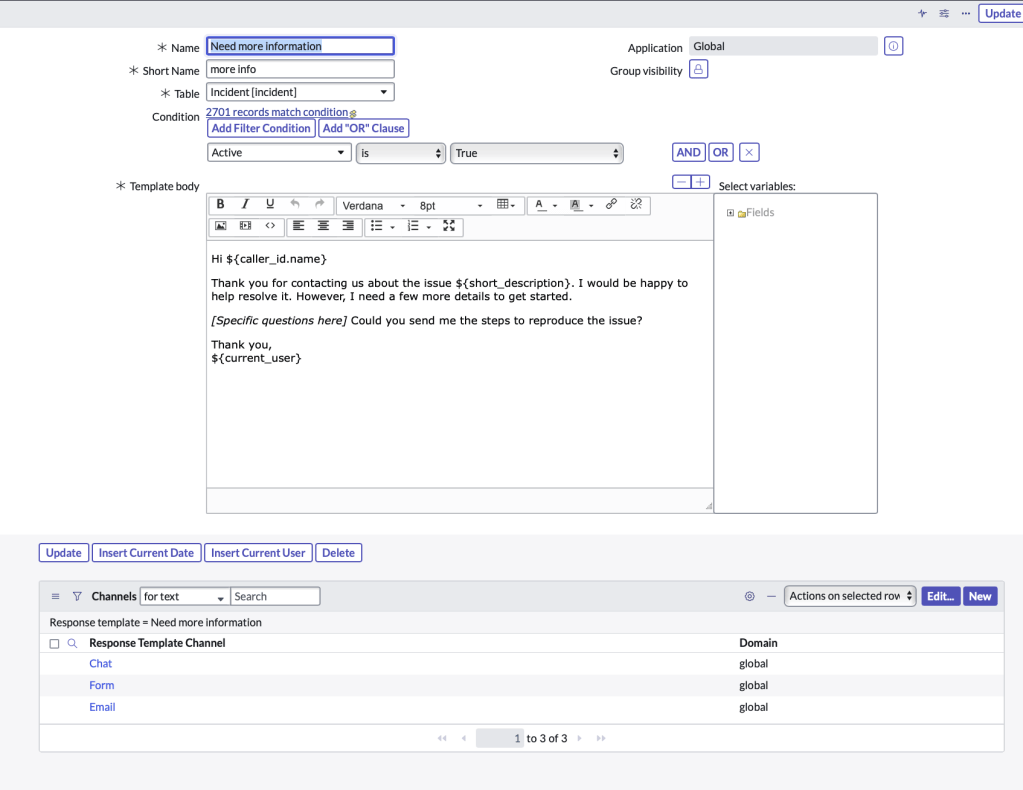
You can give the messgae a name/short name, table and filter conditions that it’s avaiable for and in the related list, select the Channels that it’s available for.
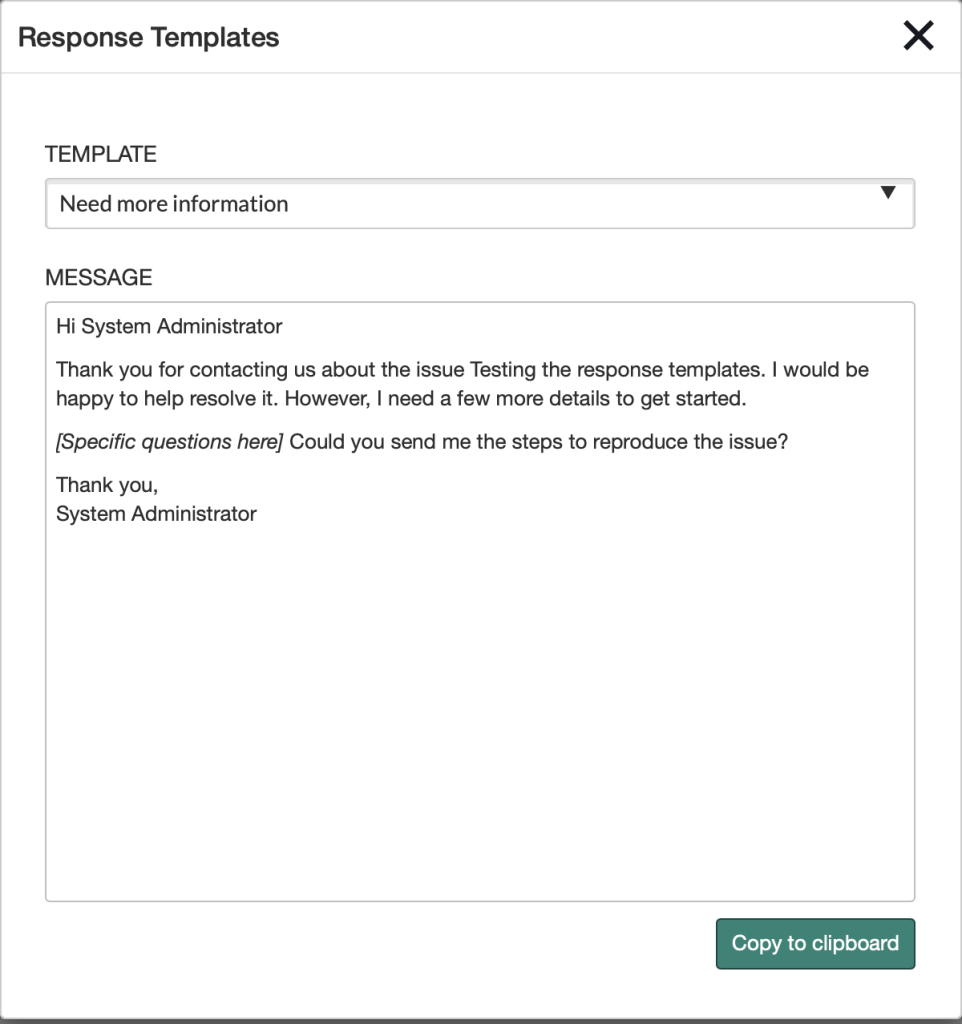
In the Form view, you will see a UI action called Responses

When clicked, you can select your template and copy it to clipboard. You can then copy/paste that text anywhere, such as the comments field, an email, or external chat.
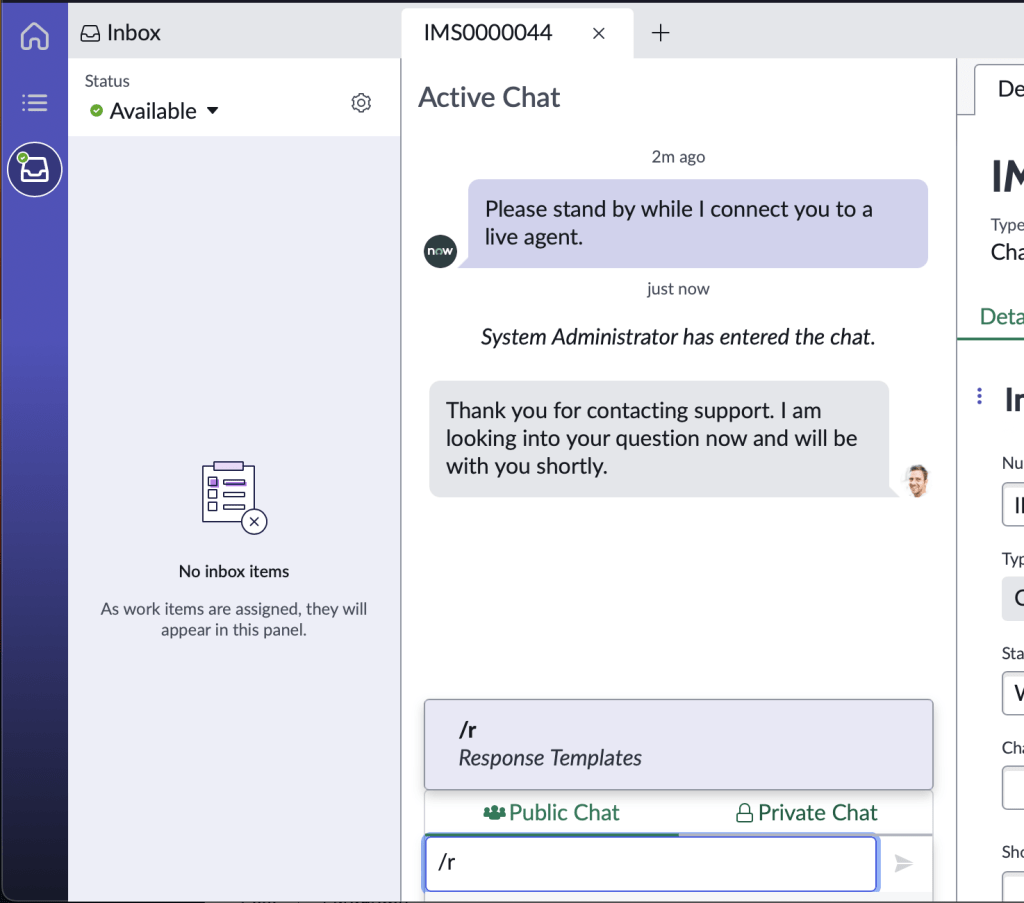
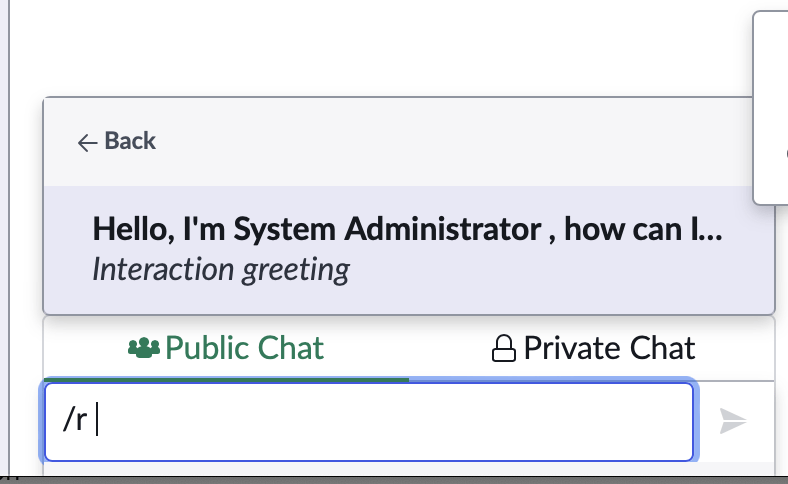
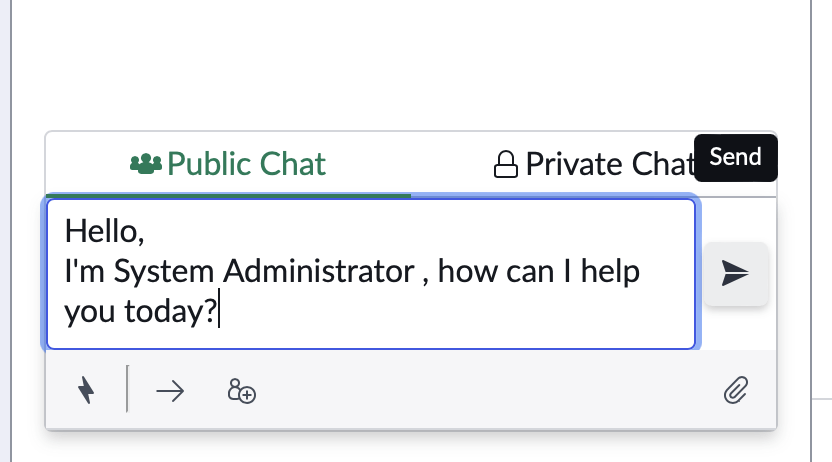
On the Agent Chat side,
The agent can type /r and they will see the response template options
 mySNstuff.com