
Useful for showing alerts, pop ups, confirmation messages, or prompts in the Service Portal. Client-side code can be used in catalog client scripts or UI policies.
Documentation here: https://developer.servicenow.com/dev.do#!/reference/api/tokyo/client/SPModal-API#SPM-confirm_S
Alert
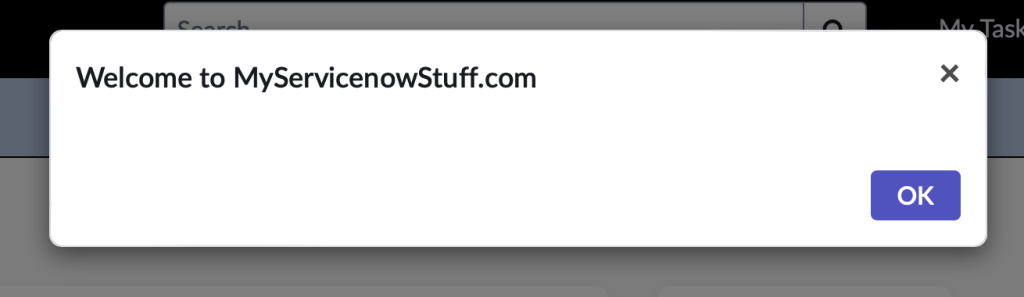
function onLoad() {
    spModal.alert('Welcome to MyServicenowStuff.com').then(function(answer) {
       alert(answer);
    });
}
Confirm
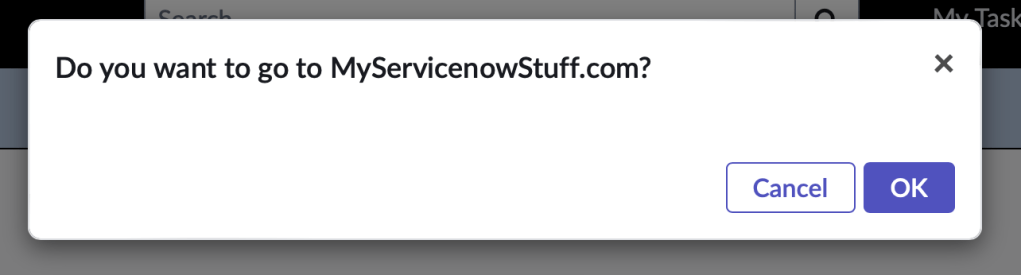
function onLoad() {

    spModal.confirm("Do you want to go to MyServicenowStuff.com?").then(function(confirmed) {
        alert(confirmed); // if clicked OK, returns true
    }, function(confirmed) {
        alert(confirmed);// if clicked cancel, returns false
    });

}
Open
An object that may have these properties.
- title – a string that can be HTML that goes in the header. The default is empty.
- message – a string that can be HTML that goes in the header. The default is empty.
- buttons – an array that contains the buttons to show on the dialog. The default is Cancel and OK.
- input – a Boolean. When true shows an input field on the dialog. The default is false.
- value – a string containing the value of the input field. The default is empty.
- widget – a string that identifies the widget ID or sys_id to embed in the dialog. The default is empty.
- widgetInput – an object to send the embedded widget as input. The default is null.
- shared – a client-side object to share data with the embedded widget client script.
- size – a string indicating the size of the window. Can be ‘sm’ or ‘lg’. The default is empty.
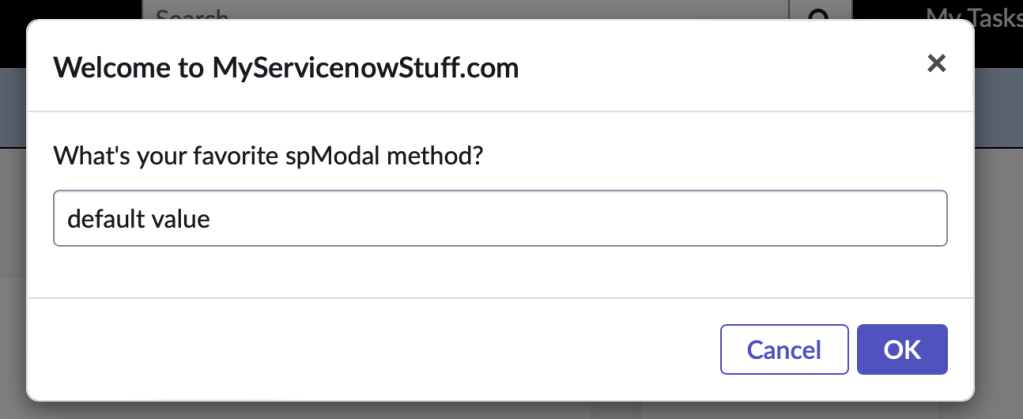
function onLoad() {
    spModal.open({
        title: 'Welcome to MyServicenowStuff.com',
        message: "What's your favorite spModal method?",
        input: true,
        value: "default value"
    }).then(function(name) {
        alert(name);
    });

}
Prompt
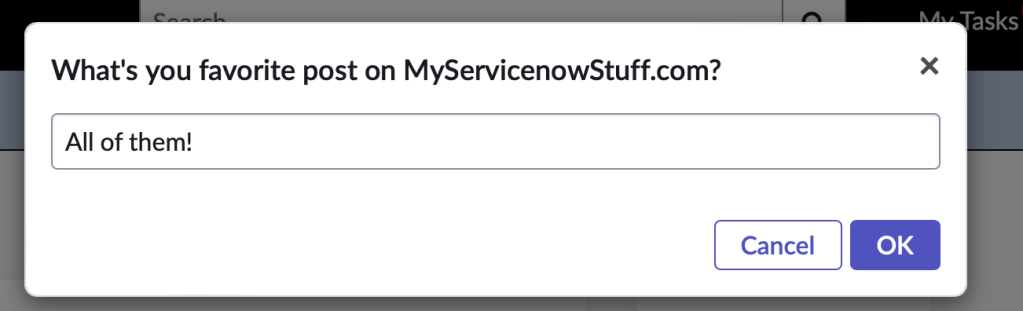
function onLoad() {

    spModal.prompt("What's you favorite post on MyServicenowStuff.com?", "All of them!").then(function(name) {
            alert(name);
        },
        function(answer) {
            alert("User cancelled");
        });

}
 mySNstuff.com