
In my previous post, I showed you how to create a report listing the Incidents that were opened this year.
In the post, I will show you how to export that report to Excel.
In the list view of the report, simply right click on one of the column headers -> Export -> Excel.

The file will begin to generate, and then you can click download.
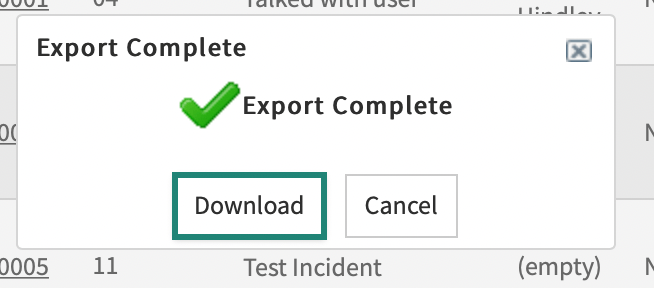
Click download and voila! You can open the report in Excel.
 mySNstuff.com
Leave a comment