
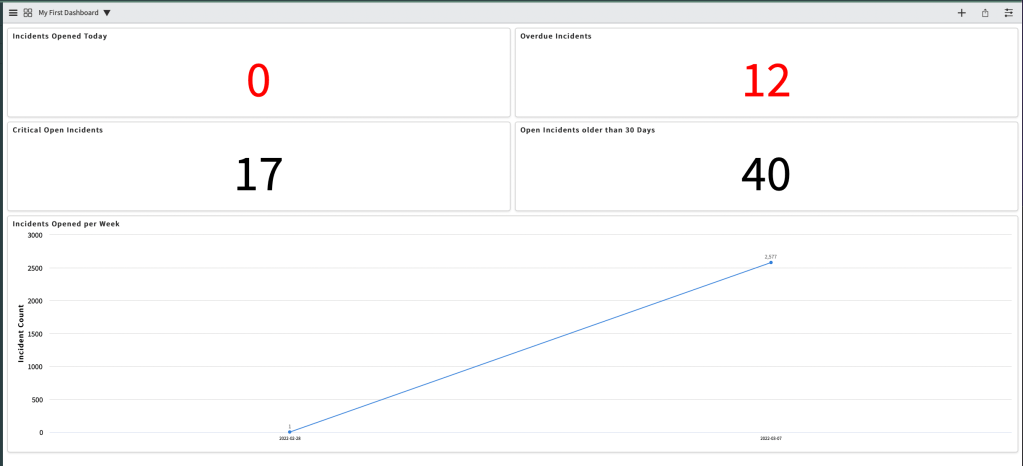
In one of my previous posts, I showed you how to create your first ServiceNow report.
Now I will show you how to create your first dashboard.
One thing to remember is that a dashboard is a way to display numerous reports and visualization. You need to create the underlying reports first and then you can add it to a dashboard.
To create a dashboard:
In the filter navigator, search for Dashboards

On the next screen, click New

Give your dashboard a name, and then click View Dashboard

Now the fun part!
Click the + icon to show the Add Widgets panel. In Widget Category, choose Reports, and then search for the reports you want to add
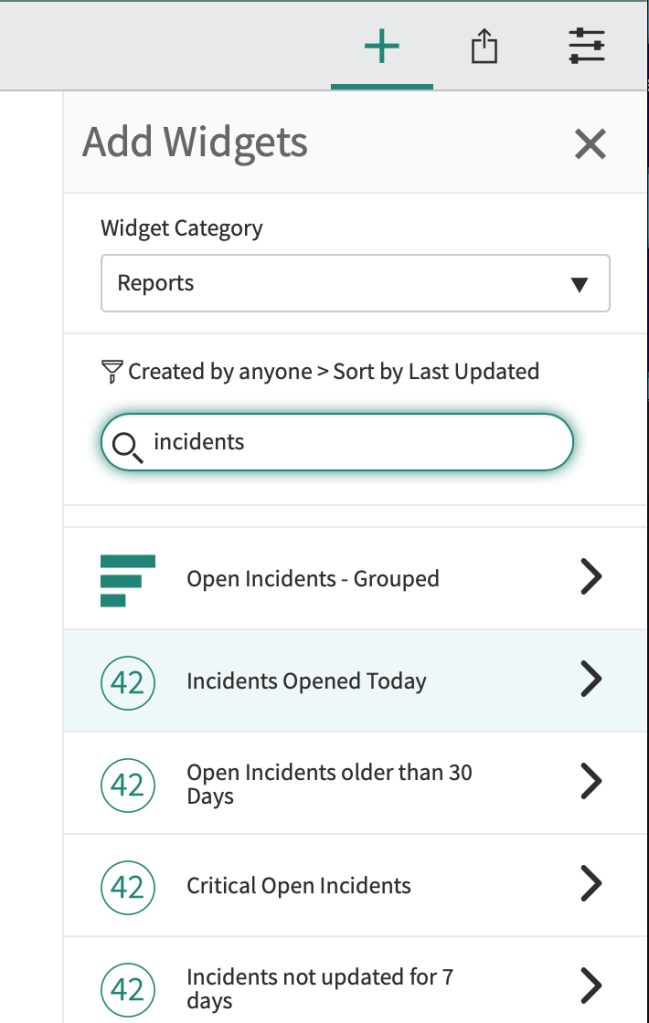
Click on the report, and click add.

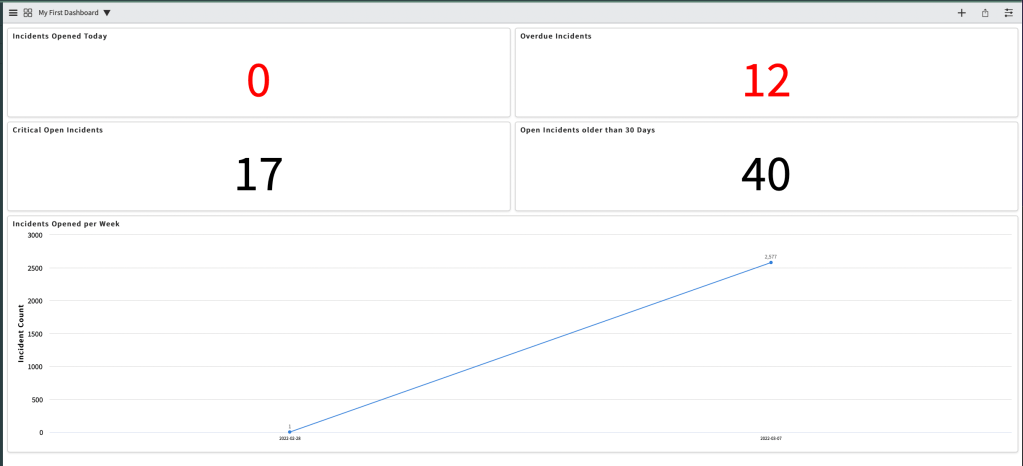
Repeat those steps until you added all the reports you desire for this dashboard.
Here’s a link to ServiceNow’s official documentation.
 mySNstuff.com
Leave a comment